Private AI Meeting Notes for Dropbox (No Bot Required)
Use HushSlate alongside Dropbox to capture every meeting seamlessly. HushSlate listens locally on your Windows system without requiring bots or complex plugins.
Researched & verified by the HushSlate Desktop & Audio Systems Team
•
Windows 10/11 Audio Loopback Verified
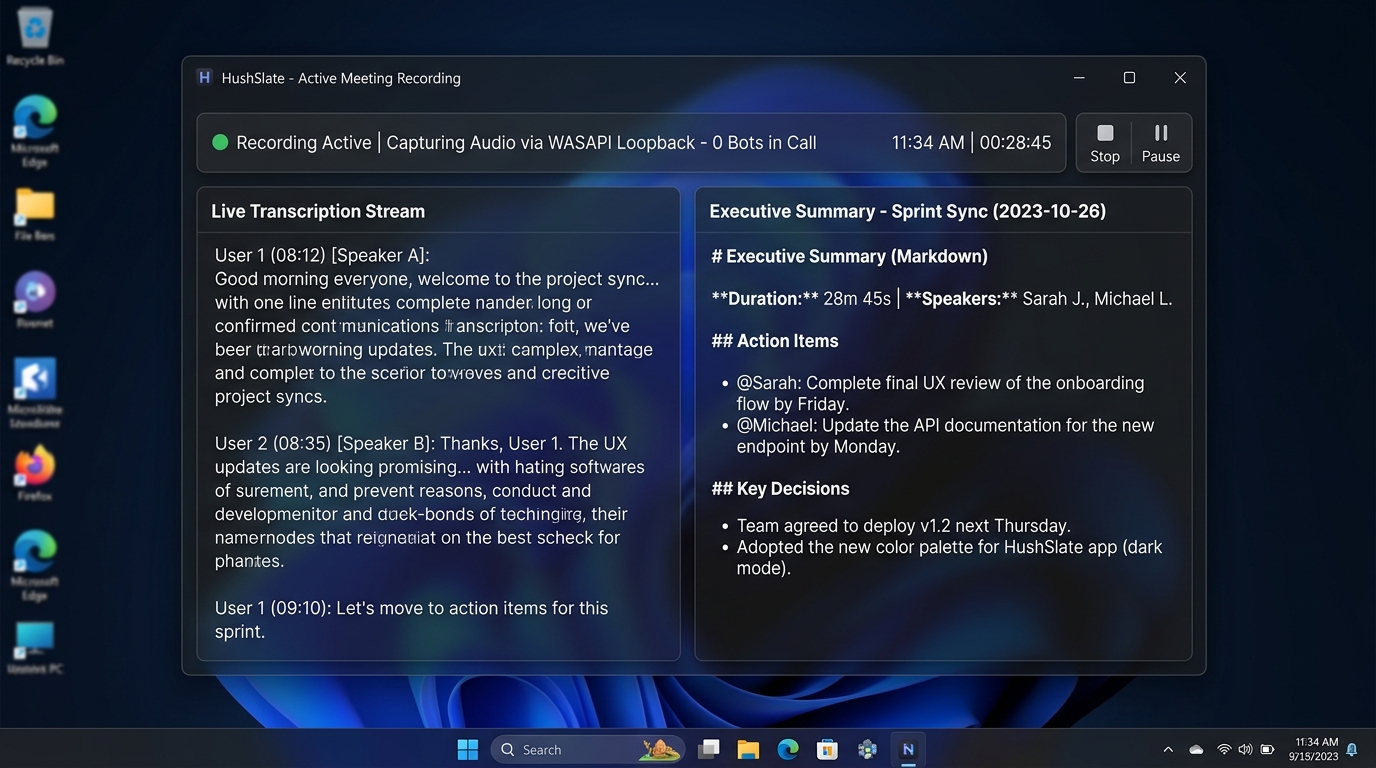
Core Architecture & Capabilities
Use HushSlate alongside Dropbox to capture every meeting seamlessly. HushSlate listens locally on your Windows system without requiring bots or complex plugins.
Frequently Asked Questions
Does HushSlate require an API key or plugin for Dropbox?
No. HushSlate records system audio directly through Windows loopback, requiring no plugins, bots, or OAuth authorization.
Is my Dropbox audio private with HushSlate?
Yes. Audio files are saved directly to your local PC (%APPDATA%/hushslate/recordings/) without being hosted on cloud servers.
Related Meeting Resources & Guides
Home
HushSlate - Private AI Meeting Notes
Hub
Integrations Overview
Core
View Pricing & Plans
Integrations
Record Microsoft Teams Meetings Locally (AI Notes + No Bot)
Integrations
Slack Huddles AI Assistant: HushSlate Integration Guide
Integrations
Best AI Note-Taker for HubSpot: HushSlate Integration
Integrations
Zoom Meeting Recording: Local AI Notes (No Bot Joins)
Comparison
HushSlate vs Onenote AI
Role
For People Operations
Template
Go To Market Meeting Template
Guide
Facilitate Remote Team Meetings
Integration
Notion Integration