HushSlate vs Airgram: AI notes without collaborative overhead
Airgram's collaborative workspace adds complexity that most users — especially individuals — don't need.
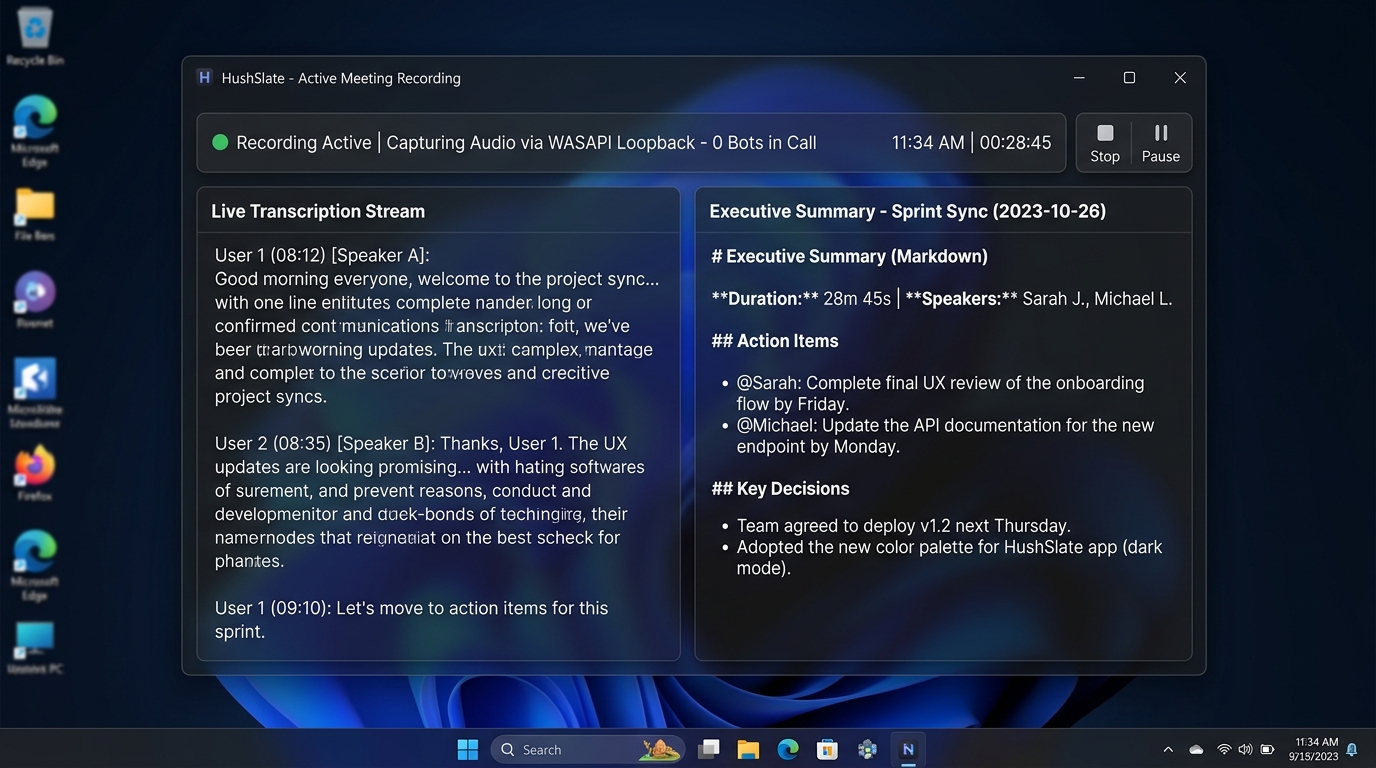
Feature Comparison Matrix
| Core Feature | HushSlate | Airgram |
|---|---|---|
| Individual-first design | ✓ Yes | ✗ No |
| Local recording | ✓ Yes | ✗ No |
| Team sharing | ✓ Yes | ✓ Yes |
| Collaborative workspace | ✗ No | ✓ Yes |
| AI summaries | ✓ Yes | ✓ Yes |
| Bot-free | ✓ Yes | ✗ No |
Why Teams Switch
Airgram is built for teams who want to collaborate in the tool. HushSlate is built for individuals who want smart notes fast.
Frequently Asked Questions
Does Airgram work without a team?
Airgram is designed for collaborative teams. HushSlate works equally well for individuals and teams without the overhead.
Is HushSlate better for individual use?
Yes — HushSlate's interface is optimized for individual note-takers who need fast, private, high-quality meeting notes.
Does HushSlate support team sharing?
HushSlate Pro supports sharing notes to Notion, Slack, and email — covering team collaboration without requiring everyone to be in the app.
Which has better privacy for sensitive meetings?
HushSlate — local recording means sensitive 1:1s, performance reviews, and confidential discussions stay on your device.
Can I use HushSlate for team meetings?
Absolutely. HushSlate captures team meetings just as well as individual calls, with notes shareable to your team's tools.