HushSlate vs Descript: Meeting notes vs podcast production
Descript is a powerful podcast and video editor — using it for meeting notes is like using Final Cut Pro to take a screenshot.
Feature Comparison Matrix
| Core Feature | HushSlate | Descript |
|---|---|---|
| Purpose-built for meetings | ✓ Yes | ✗ No |
| Instant AI summaries | ✓ Yes | ✗ No |
| Action items | ✓ Yes | ✗ No |
| Video editing | ✗ No | ✓ Yes |
| Podcast production | ✗ No | ✓ Yes |
| Meeting-optimized pricing | ✓ Yes | ✗ No |
Why Teams Switch
Descript is an excellent creative tool. It's also complete overkill for capturing what was decided in a 30-minute standup.
Frequently Asked Questions
Is Descript good for meeting notes?
Descript can transcribe meetings but is designed for content creation. HushSlate is purpose-built for meeting intelligence.
Can HushSlate replace Descript?
For meeting notes, yes. For podcast editing, video production, or screen recording — Descript remains the better tool.
Is HushSlate cheaper than Descript for meeting use?
Yes. Descript charges for creator-oriented features you don't need for meetings. HushSlate's focused pricing is significantly lower.
Which has better meeting summaries?
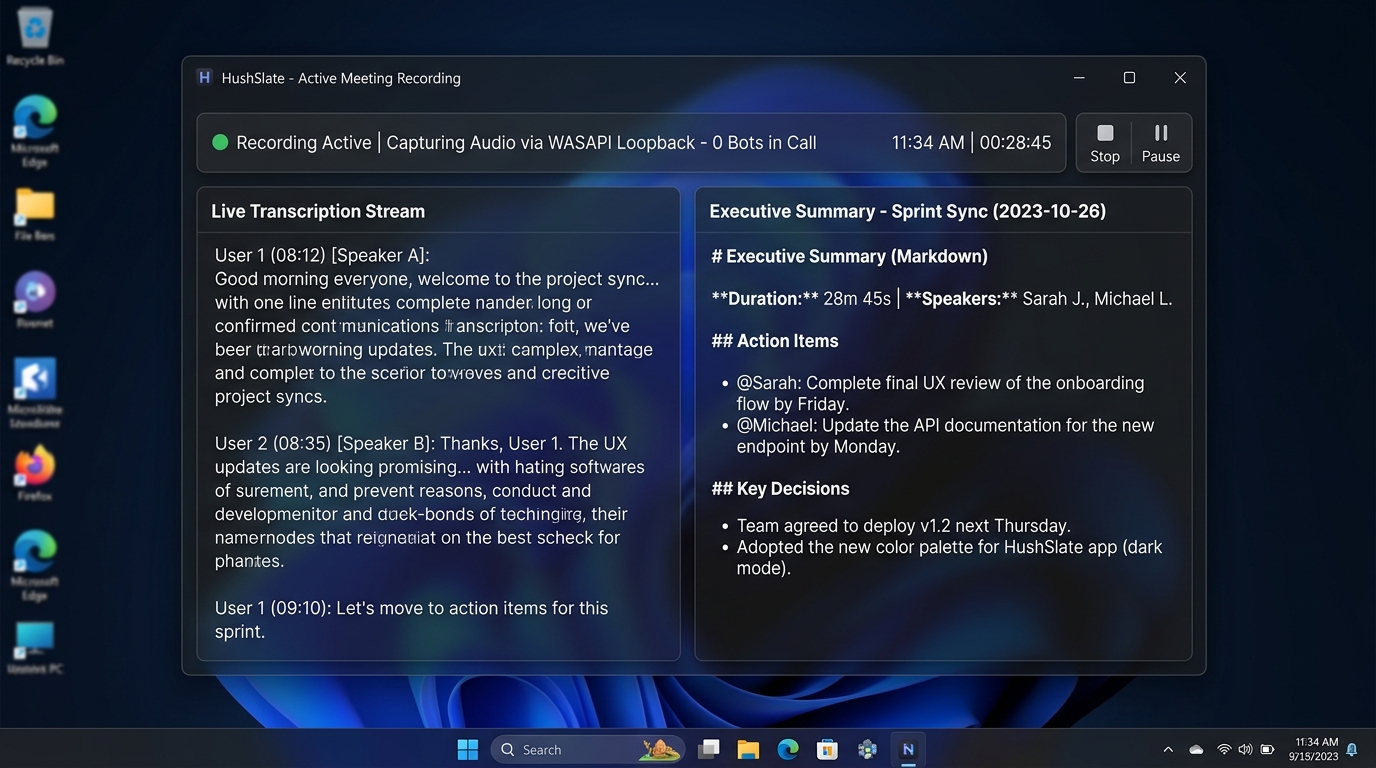
HushSlate's meeting summaries are purpose-built — structured with decisions, action items, and key quotes. Descript produces transcripts.
Does HushSlate work for podcast recording?
HushSlate is optimized for meetings. For podcasts and content creation, Descript remains the right tool for that workflow.