HushSlate vs Otter.ai: Private AI note-taking wins
Otter.ai uploads your recordings to its servers, raising privacy concerns for sensitive meetings.
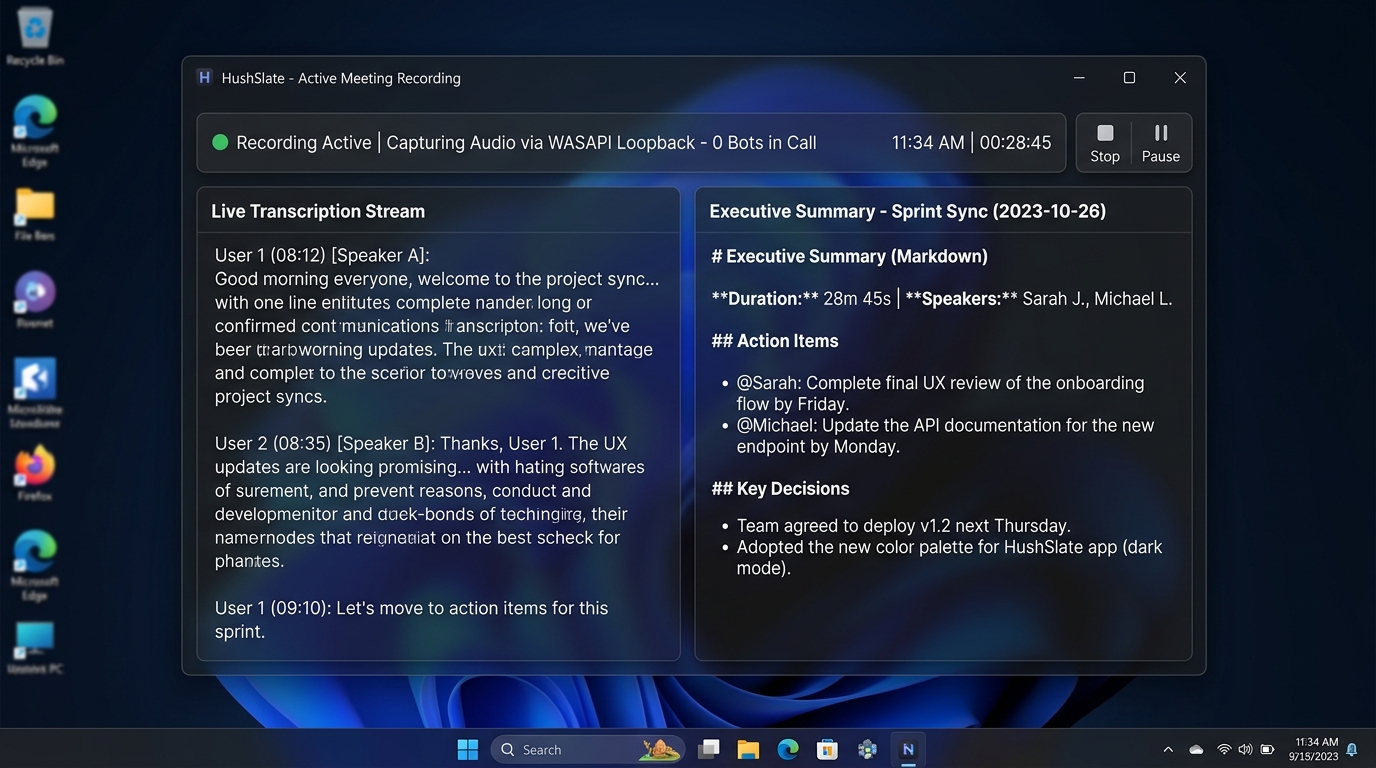
Feature Comparison Matrix
| Core Feature | HushSlate | Otter.ai |
|---|---|---|
| Local recording | ✓ Yes | ✗ No |
| Unlimited minutes | ✓ Yes | ✗ No |
| Speaker identification | ✓ Yes | ✓ Yes |
| Structured AI notes | ✓ Yes | ✗ No |
| Offline mode | ✓ Yes | ✗ No |
| Action items | ✓ Yes | ✓ Yes |
Why Teams Switch
Otter caps your free minutes and stores everything in the cloud — a dealbreaker for legal and healthcare meetings.
Frequently Asked Questions
Is Otter.ai safe for confidential meetings?
Otter uploads recordings to its cloud. HushSlate processes audio on your device, so sensitive conversations stay local.
Does HushSlate have unlimited recording?
Yes. Pro users get unlimited meeting recording with no per-minute caps unlike Otter's restrictive free tier.
Which has better transcription accuracy?
Both use state-of-the-art speech recognition, but HushSlate's AI layer adds structured context that raw Otter transcripts lack.
Can I use HushSlate offline?
HushSlate records offline. AI processing happens when you reconnect, keeping you covered in low-connectivity environments.
Does HushSlate support multiple speakers?
Yes, HushSlate automatically identifies and labels different speakers in the transcript.