How to Run a Retrospective That Actually Changes Anything
Most retrospectives feel productive. They generate sticky notes, lively discussion, and a list of improvements. Then nothing changes. Here's how to run retrospectives that produce real behavioral change — and how HushSlate ensures the insights stick.
Step-by-Step Implementation Guide
Step 1: Set clear retrospective norms before you begin
Establish psychological safety explicitly. Retrospectives only generate honest feedback if participants feel safe sharing it. Start with a brief norm-setting exercise.
Step 2: Use a consistent retrospective format
Pick a format — Start/Stop/Continue, 4Ls, Mad/Sad/Glad — and stick with it for several sprints before switching. Consistency lets you track improvement over time.
Step 3: Timeboxed discussion for each item
Don't let one topic consume the session. Timebox each item (10 minutes max) to ensure the full picture is captured before diving deep.
Step 4: Vote on which improvements to prioritize
Surface 5–10 improvement ideas, then dot-vote on the top 2–3 to tackle. Teams that try to fix 10 things fix zero. Teams that fix 2 actually fix them.
Step 5: Assign owners and deadlines to every action
Retro actions without owners are suggestions, not commitments. Every action must have a name attached and a date for follow-up.
Step 6: Start every retro by reviewing last retro's actions
Hold the team accountable to previous commitments before generating new ones. This single practice transforms retros from feel-good exercises into real improvement cycles.
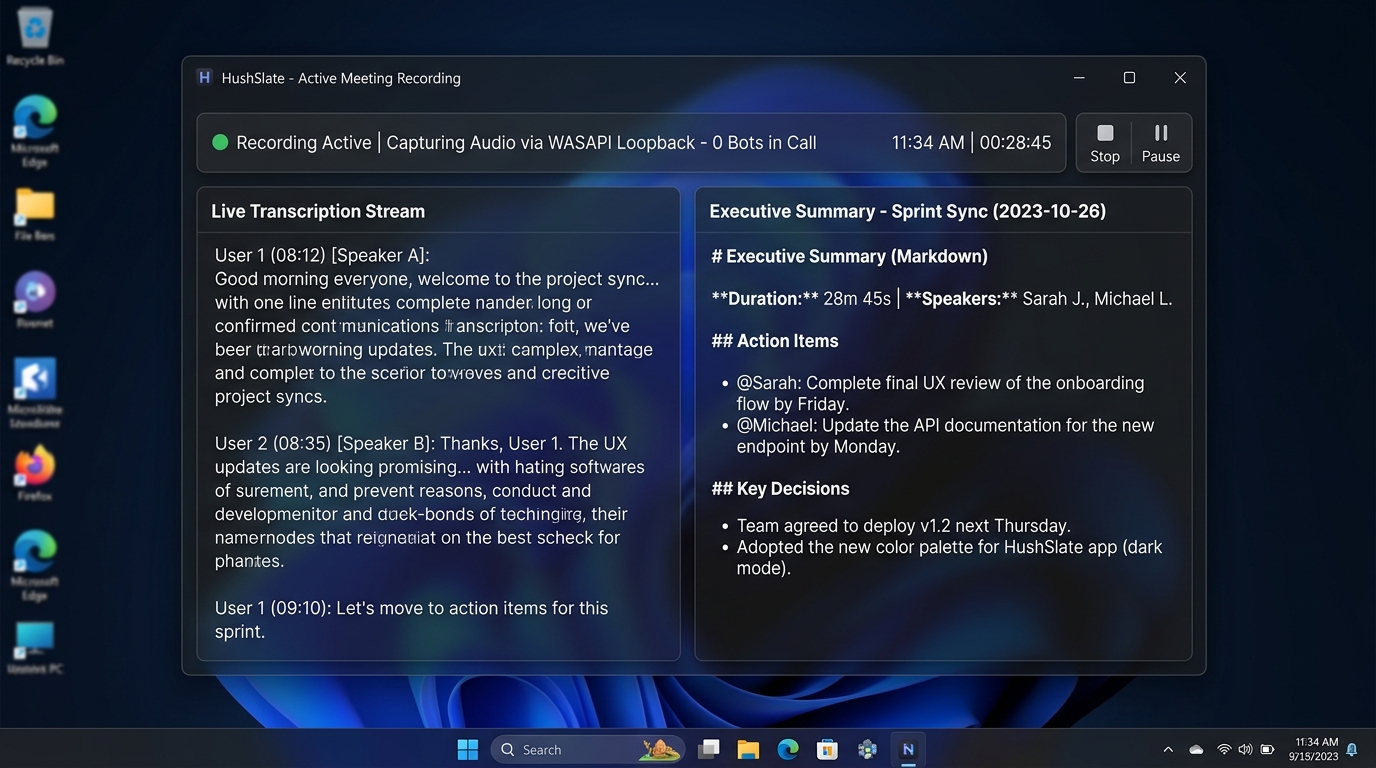
Step 7: Capture everything with HushSlate
HushSlate records your retrospective and structures the output: what went well, what needs improvement, and action items with owners — ready to review at the start of your next retro.
Frequently Asked Questions
How often should a team run retrospectives?
Most agile teams run retrospectives every sprint (every 2 weeks). Quarterly retrospectives are valuable for larger process reviews.
What is the most effective retrospective format?
Start/Stop/Continue is the most widely used for its simplicity. The 4Ls (Liked, Learned, Lacked, Longed For) works well for in-depth reviews.
How do you handle conflict in a retrospective?
Focus on processes and systems, not people. Frame feedback around behaviors and outcomes rather than attributing blame to individuals.
What should a retrospective action item look like?
A good retro action item includes: the specific change to make, the person responsible, and a date to review progress.
How do you keep retrospectives from becoming complaint sessions?
Start with positives, timebox discussion items, and ensure every complaint leads to a proposed solution and action owner.