Automated AI Meeting Notes for Sprint Demo
Key decisions and deliverables discussed during sprint demo sessions frequently slip through the cracks when attendees rely on fragmented mental notes.
Researched & verified by the HushSlate Desktop & Audio Systems Team
•
Windows 10/11 Audio Loopback Verified
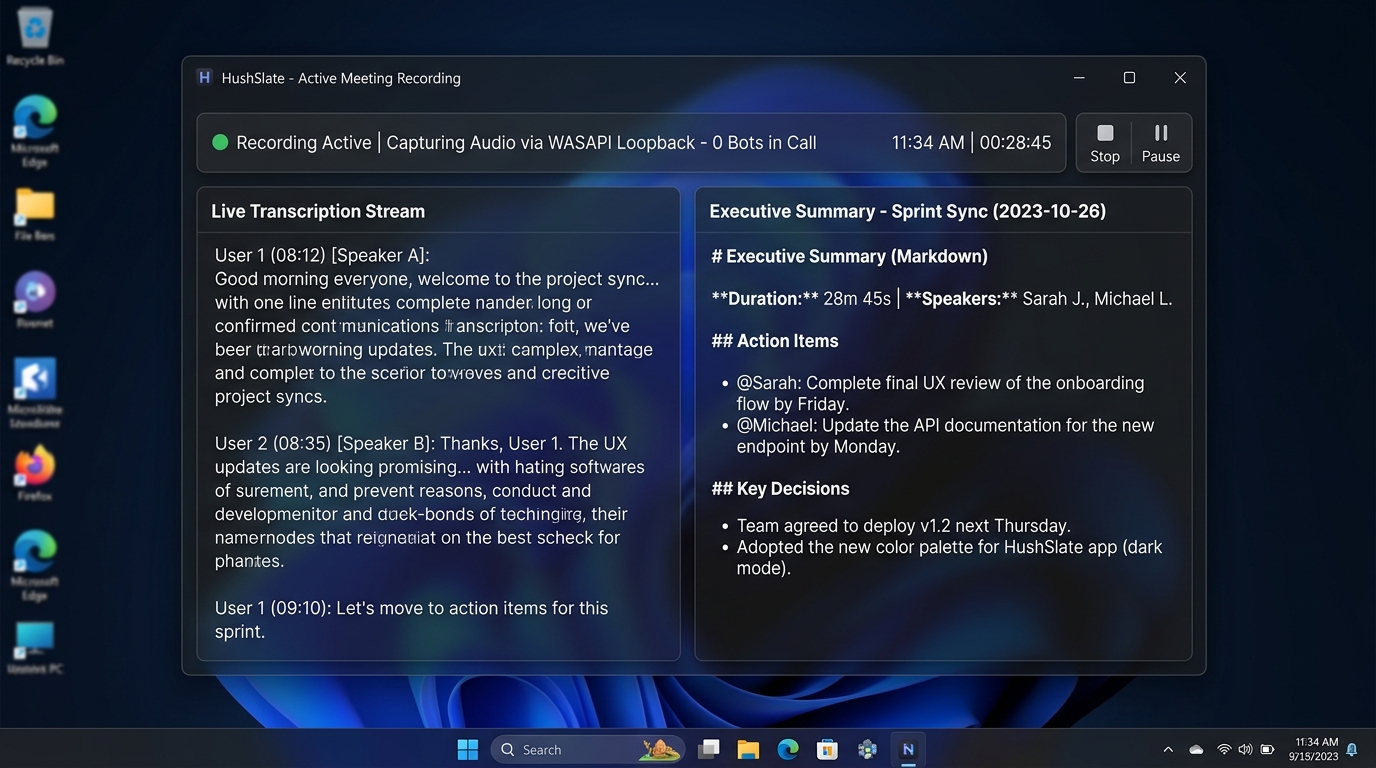
Core Architecture & Capabilities
HushSlate records your sprint demo meeting invisibly on your Windows desktop and generates a structured summary with decisions, action items, and clear owner assignments.
Frequently Asked Questions
Does HushSlate join my sprint demo meeting as a visible bot?
No. HushSlate records system audio via Windows loopback, so no bot ever joins or disrupts the session.
Can HushSlate identify action items from sprint demo calls?
Yes. HushSlate extracts specific tasks, assignees, and deadlines into a dedicated Action Items section.
Where is the audio from my sprint demo meeting stored?
Audio files are stored locally on your machine in %APPDATA%/hushslate/recordings/.
Can I export the notes to Notion or Slack?
Yes. HushSlate provides one-click Markdown copy and export functionality.
Related Meeting Resources & Guides
Home
HushSlate - Private AI Meeting Notes
Hub
Meeting Types Overview
Core
View Pricing & Plans
Meeting Types
Brand Review Meetings Notes: AI Assistant That Never Miss...
Meeting Types
Best AI Note-Taker for Creative Brief Meeting Meetings [2...
Meeting Types
Campaign Review Meetings: Automated Meeting Notes & Summa...
Meeting Types
How to Take Perfect Seo Strategy Meeting Meetings Notes (...
Comparison
HushSlate vs Equal Time
Role
For Lawyers and Legal Professionals
Template
Daily Standup Template
Guide
Speed Up Meeting Follow Up
Integration
Zoho CRM Integration