HushSlate for Zoom — AI Meeting Notes Without the Bot
Zoom is where your most important meetings happen. HushSlate captures every Zoom call invisibly — no bot that participants see, no Zoom account permissions needed — and delivers a structured AI summary the moment you hang up.
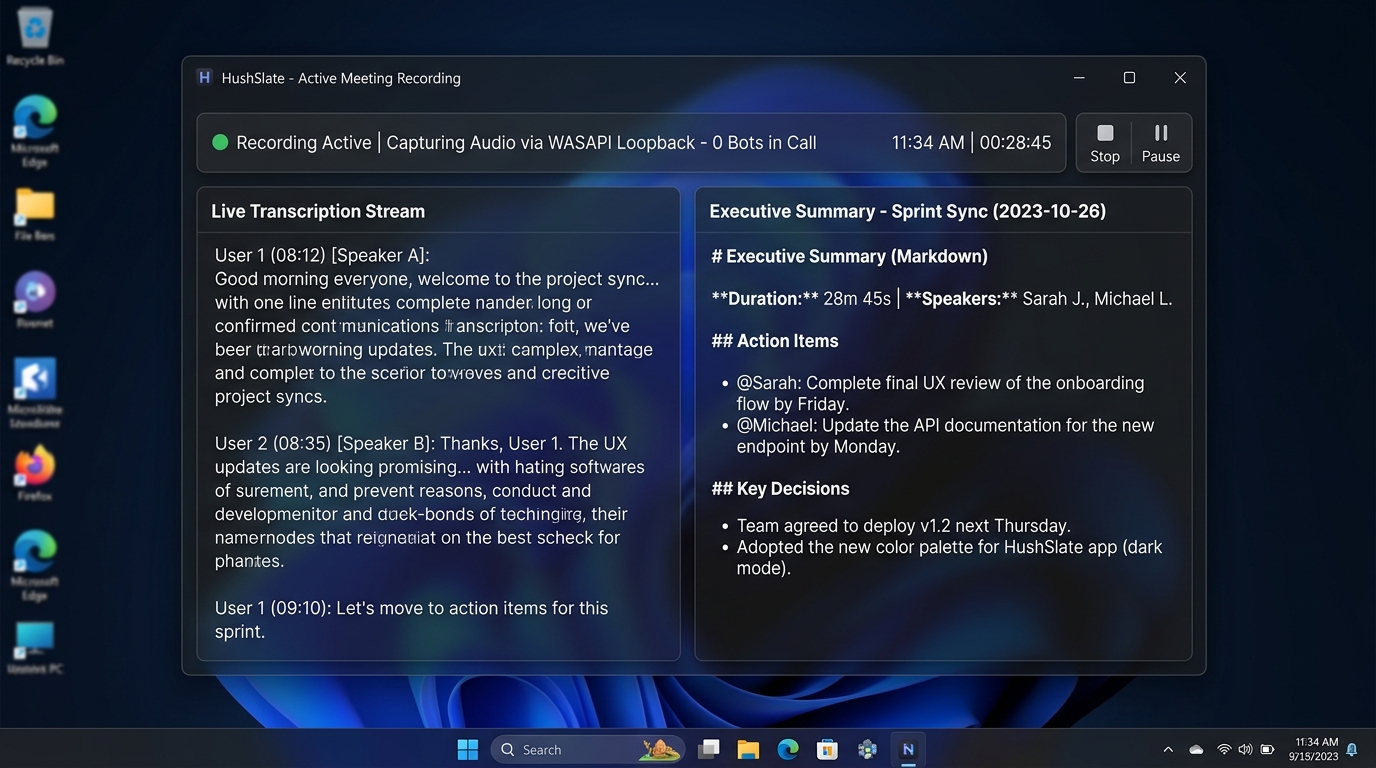
Core Architecture & Capabilities
Zoom is where your most important meetings happen. HushSlate captures every Zoom call invisibly — no bot that participants see, no Zoom account permissions needed — and delivers a structured AI summary the moment you hang up.
Frequently Asked Questions
Does HushSlate show up as a participant in Zoom?
No — HushSlate records audio from your device without joining the meeting. It never appears in the participant list.
Does HushSlate work with Zoom free accounts?
Yes — HushSlate works regardless of your Zoom plan, including free accounts.
Does HushSlate work with Zoom recordings?
HushSlate captures live audio during the meeting. If you want to analyze an existing Zoom recording, import the audio file to HushSlate.
Can HushSlate transcribe Zoom meetings in other languages?
Yes — HushSlate supports 30+ languages with automatic language detection.
Does HushSlate work with Zoom Webinar?
Yes — HushSlate captures audio from Zoom Webinar sessions the same way it captures standard Zoom meetings.