Why Teams Choose HushSlate Over Alfred AI
Alfred AI relies on visible meeting bots or cloud-hosted recording servers that introduce awkwardness and data privacy concerns.
Feature Comparison Matrix
| Core Feature | HushSlate | Alfred AI |
|---|---|---|
| Invisible recording (No bot) | ✓ Yes | ✗ No |
| Local audio file storage | ✓ Yes | ✗ No |
| Structured AI summaries | ✓ Yes | ✓ Yes |
| Action item extraction | ✓ Yes | ✓ Yes |
| Works on all meeting apps | ✓ Yes | ✓ Yes |
| Zero per-minute limits on Pro | ✓ Yes | ✗ No |
Why Teams Switch
Alfred AI alerts everyone with an uninvited bot or stores sensitive voice data on third-party servers. HushSlate keeps you in full control.
Frequently Asked Questions
Does HushSlate join meetings as a bot like Alfred AI?
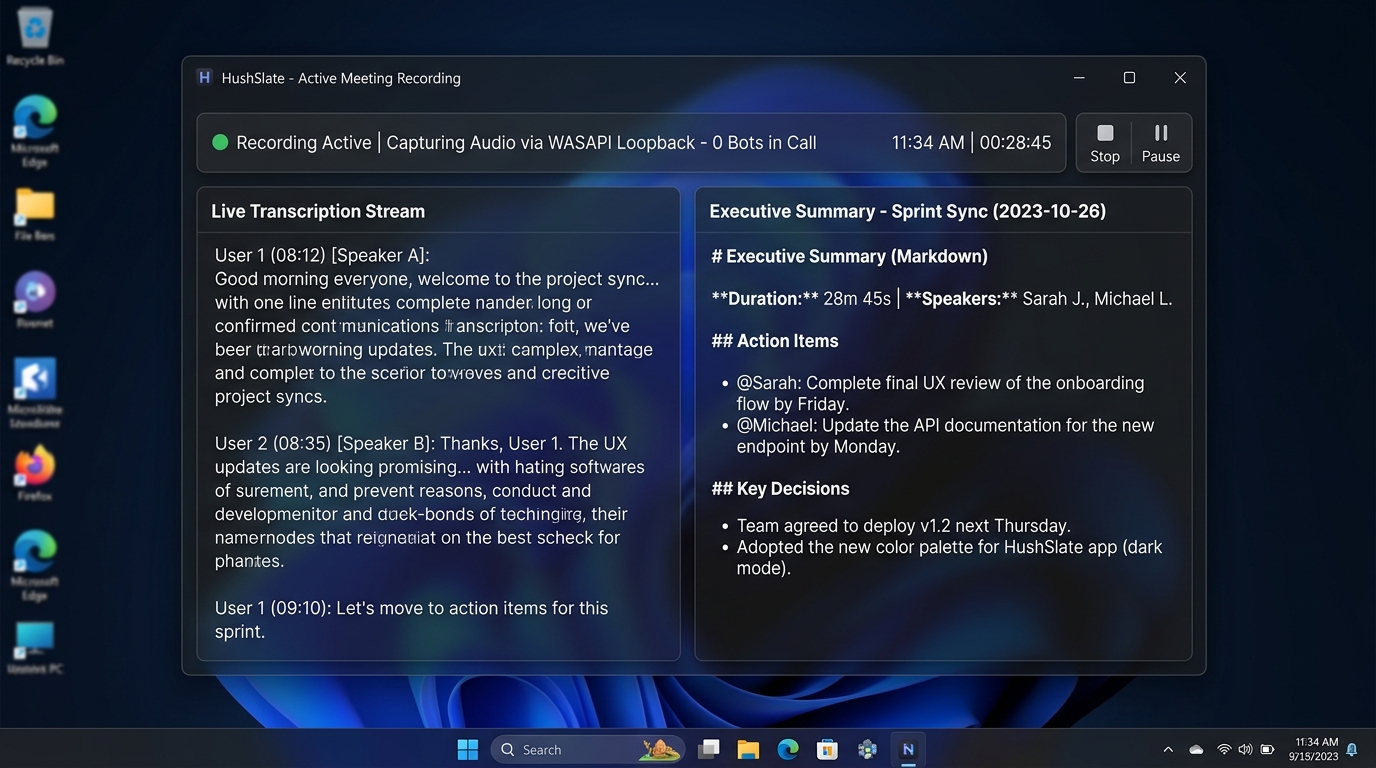
No. HushSlate records system audio directly through Windows loopback, so no bot ever joins the call or appears in the participant list.
Is HushSlate safer for confidential discussions than Alfred AI?
Yes. HushSlate saves all audio files locally on your machine, eliminating third-party cloud audio exposure.
What video platforms does HushSlate support compared to Alfred AI?
HushSlate captures audio from Zoom, Microsoft Teams, Google Meet, Slack Huddles, and in-person meetings effortlessly.
How accurate are HushSlate's AI summaries?
HushSlate utilizes specialized speech recognition and Gemini 2.5 Flash to generate structured decisions, risks, and next steps with pinpoint accuracy.
How can I export meeting notes from HushSlate?
You can copy formatted Markdown notes with one click or export structured action items directly into your documents.