HushSlate vs Notion AI: Purpose-built meeting intelligence
Notion AI is a general writing assistant — it can't actually listen to your meetings or capture what was said.
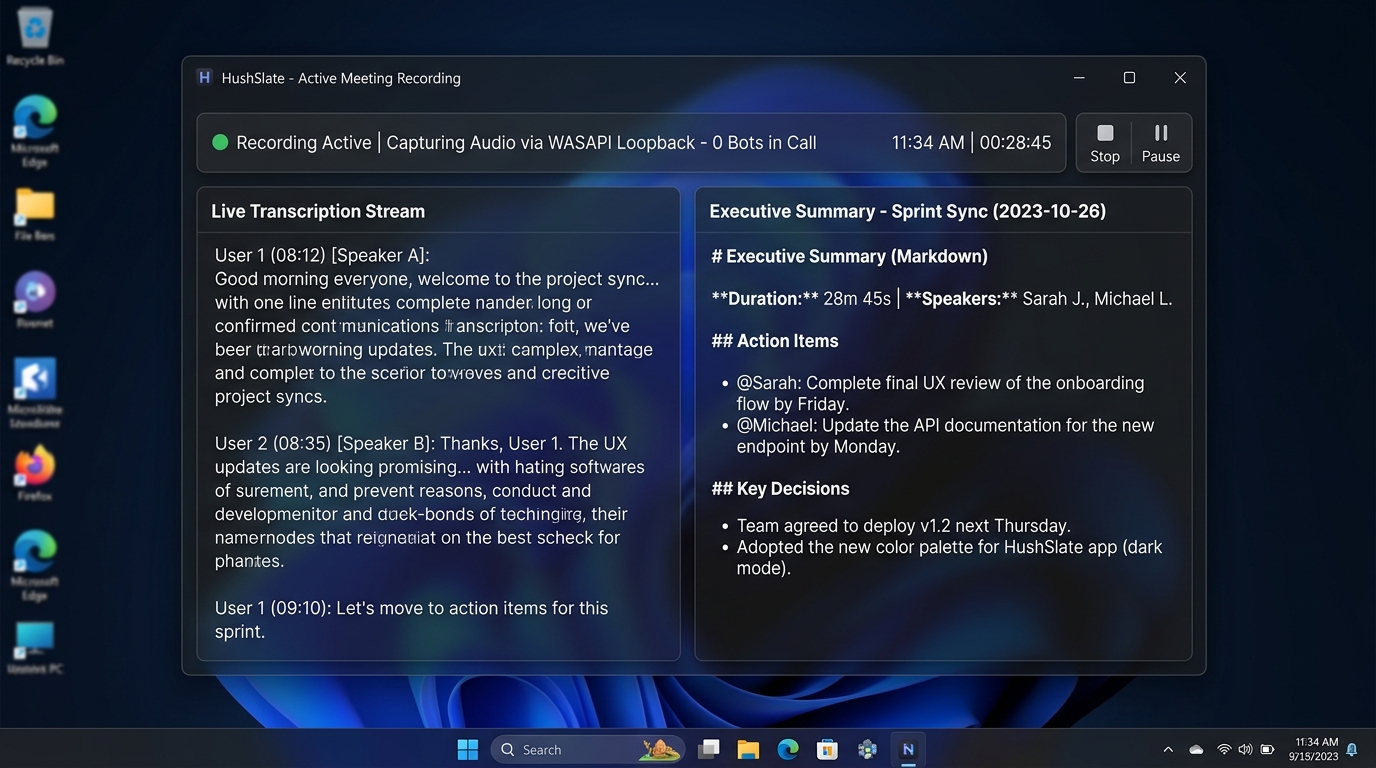
Feature Comparison Matrix
| Core Feature | HushSlate | Notion AI |
|---|---|---|
| Meeting recording | ✓ Yes | ✗ No |
| Auto transcription | ✓ Yes | ✗ No |
| AI meeting summaries | ✓ Yes | ✗ No |
| Notion integration | ✓ Yes | ✓ Yes |
| Action item extraction | ✓ Yes | ✗ No |
| In-person recording | ✓ Yes | ✗ No |
Why Teams Switch
Notion AI is a powerful text tool, but it has no idea what was said in your 3pm call unless you paste the transcript in yourself.
Frequently Asked Questions
Can Notion AI record meetings?
No. Notion AI only works with text already in your workspace. HushSlate automatically records and transcribes every meeting.
Does HushSlate integrate with Notion?
Yes — HushSlate pushes structured meeting notes directly into your Notion workspace after each meeting automatically.
Which is better for teams already using Notion?
HushSlate + Notion is the ideal stack: HushSlate captures meetings, Notion becomes your searchable meeting knowledge base.
Is HushSlate more expensive than Notion AI?
HushSlate is a standalone subscription, but eliminates the need to manually document meetings — saving hours each week.
Can I search past meetings in HushSlate?
Yes. HushSlate stores all transcripts with full-text search, letting you find decisions and quotes from months ago instantly.