HushSlate vs Notta: AI meeting notes with real intelligence
Notta produces raw transcripts and basic summaries but lacks the structured intelligence needed to make meetings actually actionable.
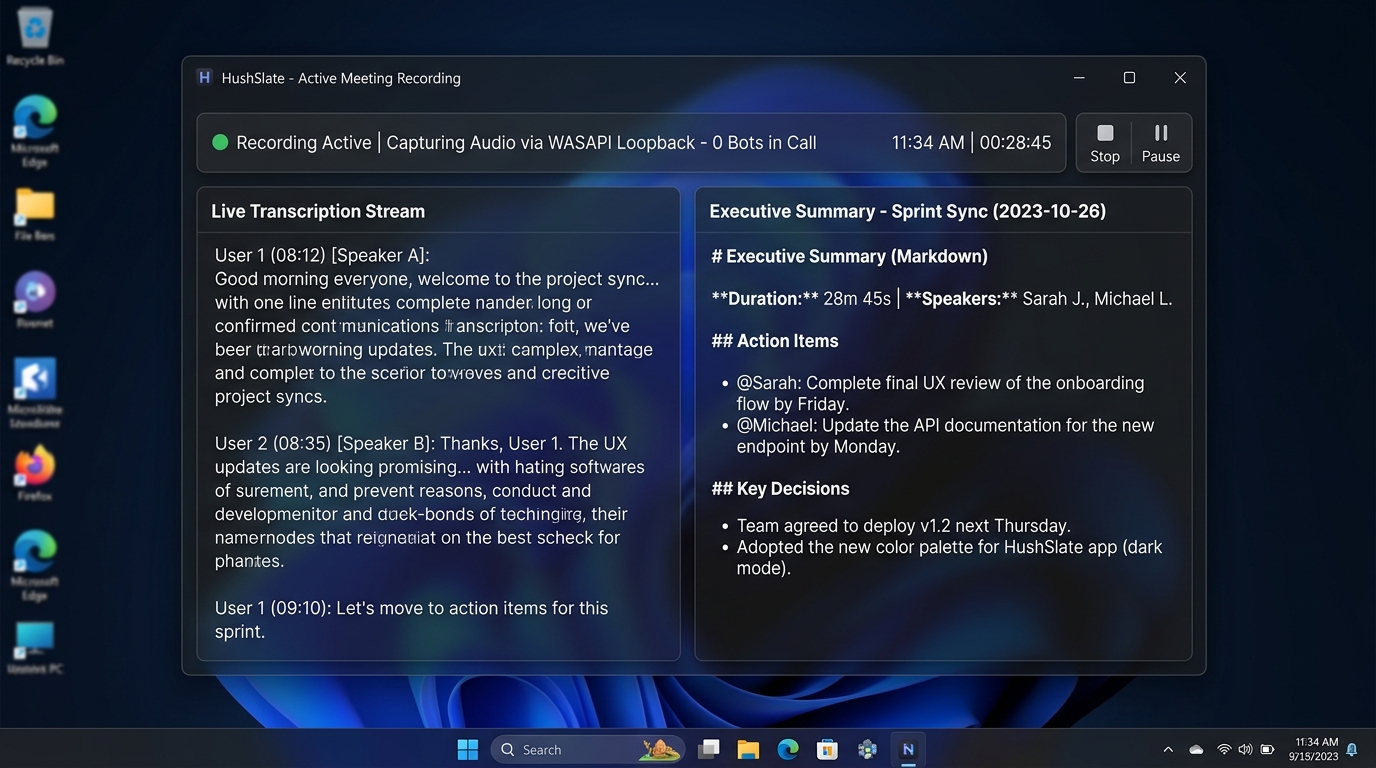
Feature Comparison Matrix
| Core Feature | HushSlate | Notta |
|---|---|---|
| Structured AI notes | ✓ Yes | ✗ No |
| Decision tracking | ✓ Yes | ✗ No |
| Multilingual | ✓ Yes | ✓ Yes |
| Transcription | ✓ Yes | ✓ Yes |
| Meeting Q&A | ✓ Yes | ✗ No |
| In-person recording | ✓ Yes | ✗ No |
Why Teams Switch
Notta is a capable transcription tool, but transcription alone doesn't make meetings productive — intelligence does.
Frequently Asked Questions
How does HushSlate compare to Notta?
Notta focuses on transcription accuracy. HushSlate adds AI intelligence on top — structured notes, decision tracking, and actionable outputs.
Does HushSlate transcribe in multiple languages?
Yes — HushSlate supports 30+ languages with automatic language detection, matching Notta's multilingual capabilities.
Is HushSlate more expensive than Notta?
HushSlate's Pro plan is comparably priced to Notta but delivers significantly more post-meeting intelligence.
Can I import Notta transcripts to HushSlate?
HushSlate handles its own recordings. If you have existing transcripts, you can run them through HushSlate's AI for structured output.
Which has better mobile support?
HushSlate's Windows desktop app is its primary platform, with mobile recording via the companion app for in-person meetings.