How to Take Notes in One-on-One Meetings Without Killing the Conversation
The tension in every 1:1 is real: you want to remember everything, but reaching for a keyboard the moment someone says something important signals you're documenting, not listening. Here's how to take great 1:1 notes without sacrificing the human connection.
Step-by-Step Implementation Guide
Step 1: Decide upfront whether you'll take live notes or use AI
Live note-taking during 1:1s divides your attention. AI tools like HushSlate capture everything while you stay fully engaged. Pick your approach before the meeting starts.
Step 2: Create a recurring structure for every 1:1
Use a consistent template: progress since last meeting, current blockers, development topics, and action items. Consistency makes review faster and comparison across meetings useful.
Step 3: Capture commitments immediately as they're made
The most important thing to document in any 1:1 is a commitment — to fix something, to provide feedback, to escalate an issue. If you're taking manual notes, write these the moment they happen.
Step 4: Reserve 5 minutes at the end to review action items
Before the meeting ends, read back the action items you've captured. This surface-level review catches anything missed and creates shared accountability.
Step 5: Share notes within an hour of the meeting ending
Send your direct report or manager a quick summary with action items confirmed. This closes the loop and creates a written record of commitments.
Step 6: Use your notes to prepare for the NEXT 1:1
Great 1:1 note-takers start each session by reviewing what was agreed last time. This builds trust and accountability over time.
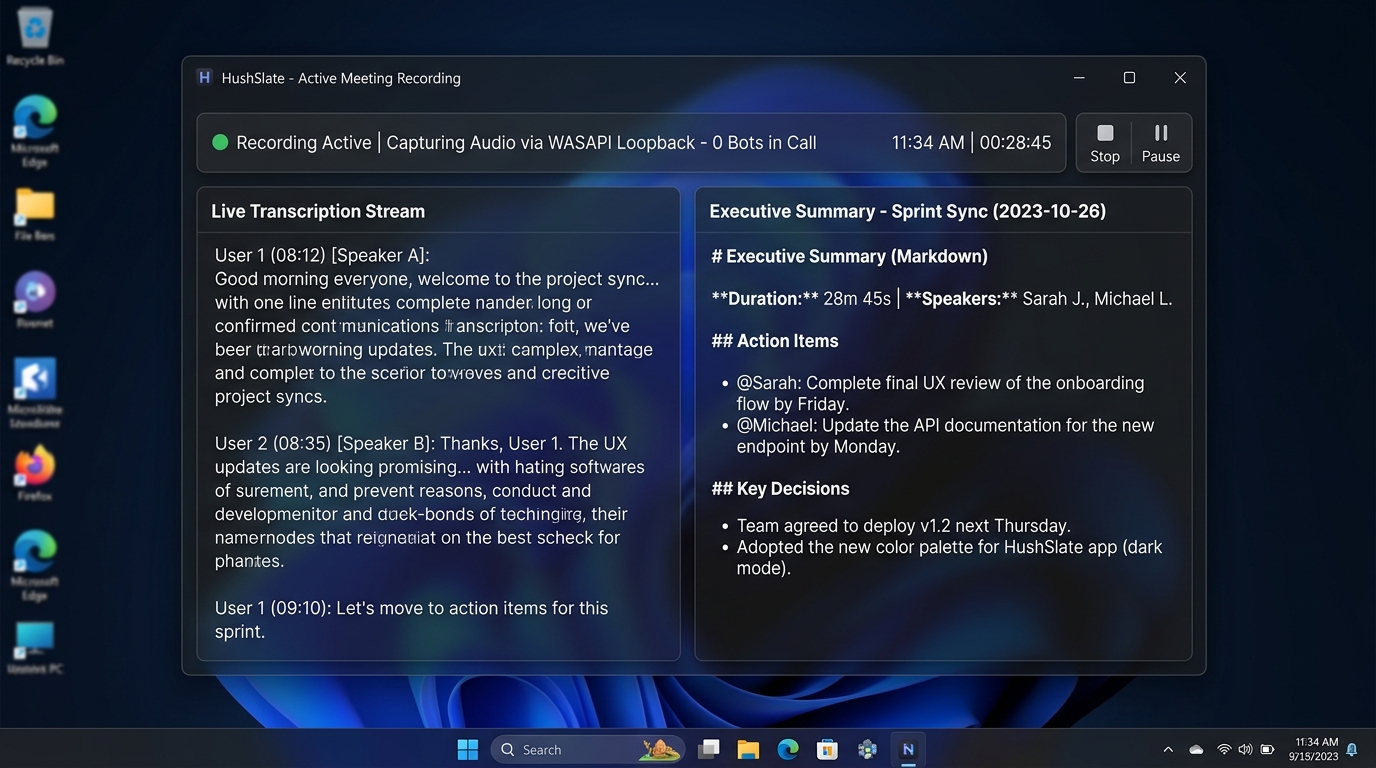
Step 7: Let HushSlate handle it automatically
HushSlate records your 1:1, generates structured notes, and extracts commitments — so you can stop split-focusing and just have the conversation.
Frequently Asked Questions
Should you take notes during a 1:1?
Yes — but how matters. Taking notes disrupts presence. AI tools like HushSlate eliminate the trade-off by capturing everything automatically.
How do you structure 1:1 meeting notes?
Use a recurring template: wins since last meeting, current blockers, development topics, feedback exchange, and action items with owners.
Should both parties in a 1:1 have access to the notes?
Shared access to 1:1 notes creates accountability and trust. Consider sharing the action items section at minimum.
How long should 1:1 meeting notes be?
Concise enough to read in under 2 minutes. 1:1 notes are about commitments and decisions, not documentation of every exchange.
What if the 1:1 touches HR or sensitive performance topics?
Keep sensitive notes private, with restricted access, and follow your organization's HR documentation policies.